Some images generated using AI. Article proof-read by AI, written and structured by me.
You blink at it. A cursor blinks back.

For the average laptop user, the terminal is a vantablack portal into an unknown and dangerous world, ruled by a complex engineering-oriented language.
For others, the terminal is mission control. A seat of power from which all computer activities are possible.
But for those average others, like you perhaps, certainly like me, it is an uncertain passage into the bowels of your computer. One wrong step and, more than likely, disaster will strike. …right?
With the advent of AI, the way we access and control our devices has been irrevocably altered. I’m not talking about using chatbots or generating slop with a handy AI platform. I’m talking about the way that we physically speak to our machines, and by proxy, the internet itself.
It used to be that between the average user and the internet, there was a barrier of 1’s and 0s that could only be manipulated through knowledge of the command line. If you grew up in the early days of computing — or like me, were a homeschooled and somewhat sheltered millennial simply a bit late to the mainstream technology game — you may have used desktop PCs that ran MS-DOS.
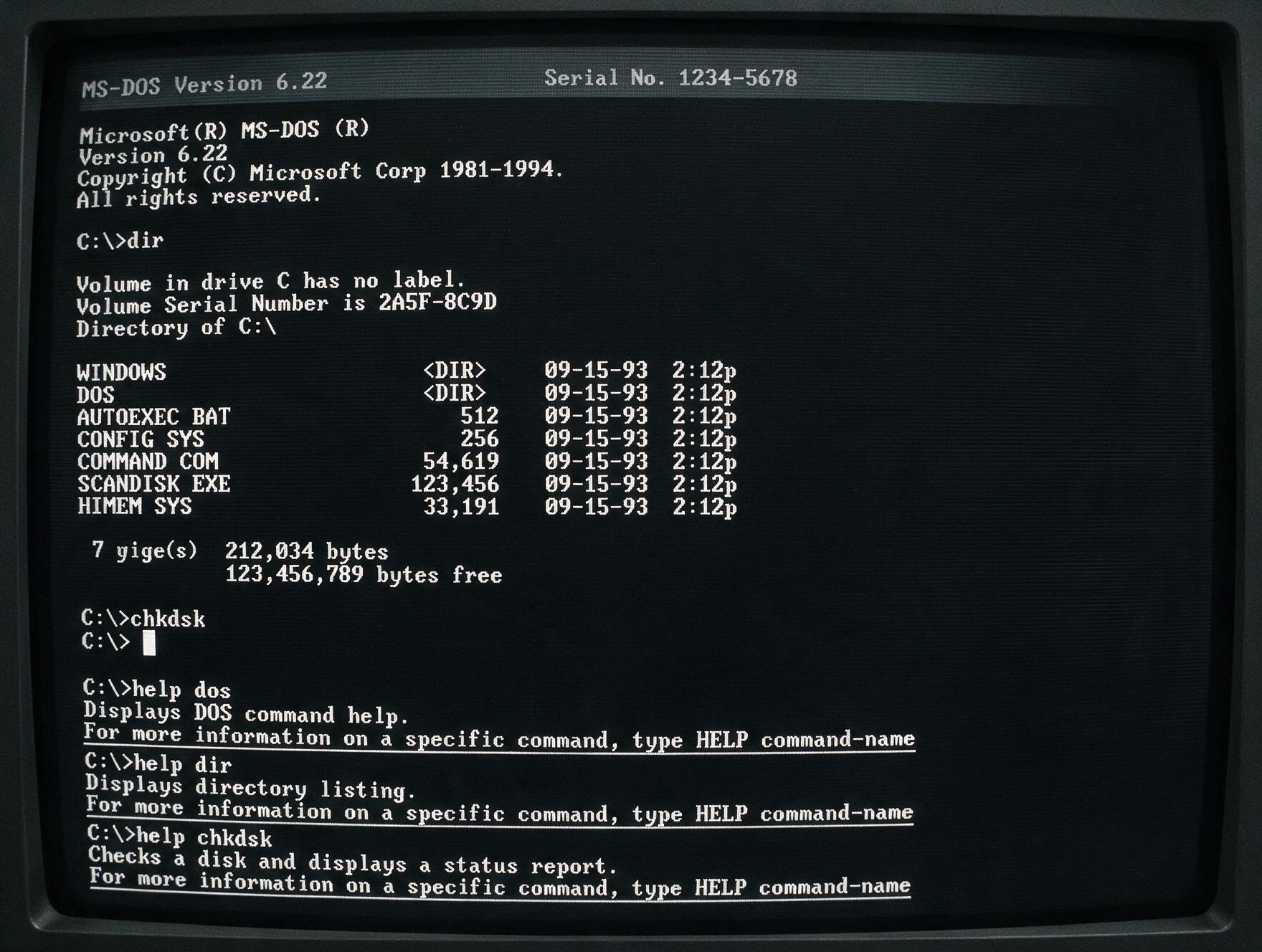
Before operating systems like Windows 95 made a nicely designed GUI (Graphical User Interface) the default way in, PCs booted straight to a black screen with a blinking cursor. You’d type commands like cd to change directories, dir to list files, or the program name itself (like C:\RAMPART>RAMPART.EXE) to launch an application or game.
The Command Line Interface, or CLI, that you may be learning to use Claude through today is a direct descendant of that same concept. It wasn’t that scary back then, and it still isn’t. You type a command that you’ve memorized, your computer responds with an action. The difference now is that you can call an LLM within the terminal to do terminal things using completely natural language. No memorization, no cd, dir or grep required. Just type claude or codex and like Flynn, you’re in.
[image of my claude in terminal saying hi to the reader — screenshot pending]
Most non-developers or otherwise non-technical LLM users may associate the terminal with a more technical mindset. Software engineers, professional front or backend developers, etc. Your average “smart person.” This assumption isn’t without logic, and is likely a big part of why Anthropic and OpenAI developed their desktop platforms. A clean, sandboxed UI makes something like the terminal less “scary,” more secure, more accessible, and dead simple to visually navigate. For many, the desktop app may be the last useful stop in their AI adventure, and that’s 1000% an acceptable endgame.
If you are an LLM user who is slowly drifting into complex, perhaps “vibey” ways of working, your evolution might look something like this (using frontier AI labs primarily):
Claude Chat/ChatGPT > Claude Desktop/Codex (by OpenAI) > Claude Code (via Desktop)
Then one day, you tried calling the AI using the terminal. And in the moment that you typed “hi claude can you hear me in here?” and it spoke back “Yes! I hear you loud and clear. What would you like to build today?” you realized that everything you could do in Chat or Desktop, you could also do in the terminal — faster, more accurately now that you’re using the LLM without the context of the product sandbox environment, and actually cheaper in terms of usage and tokenomics.
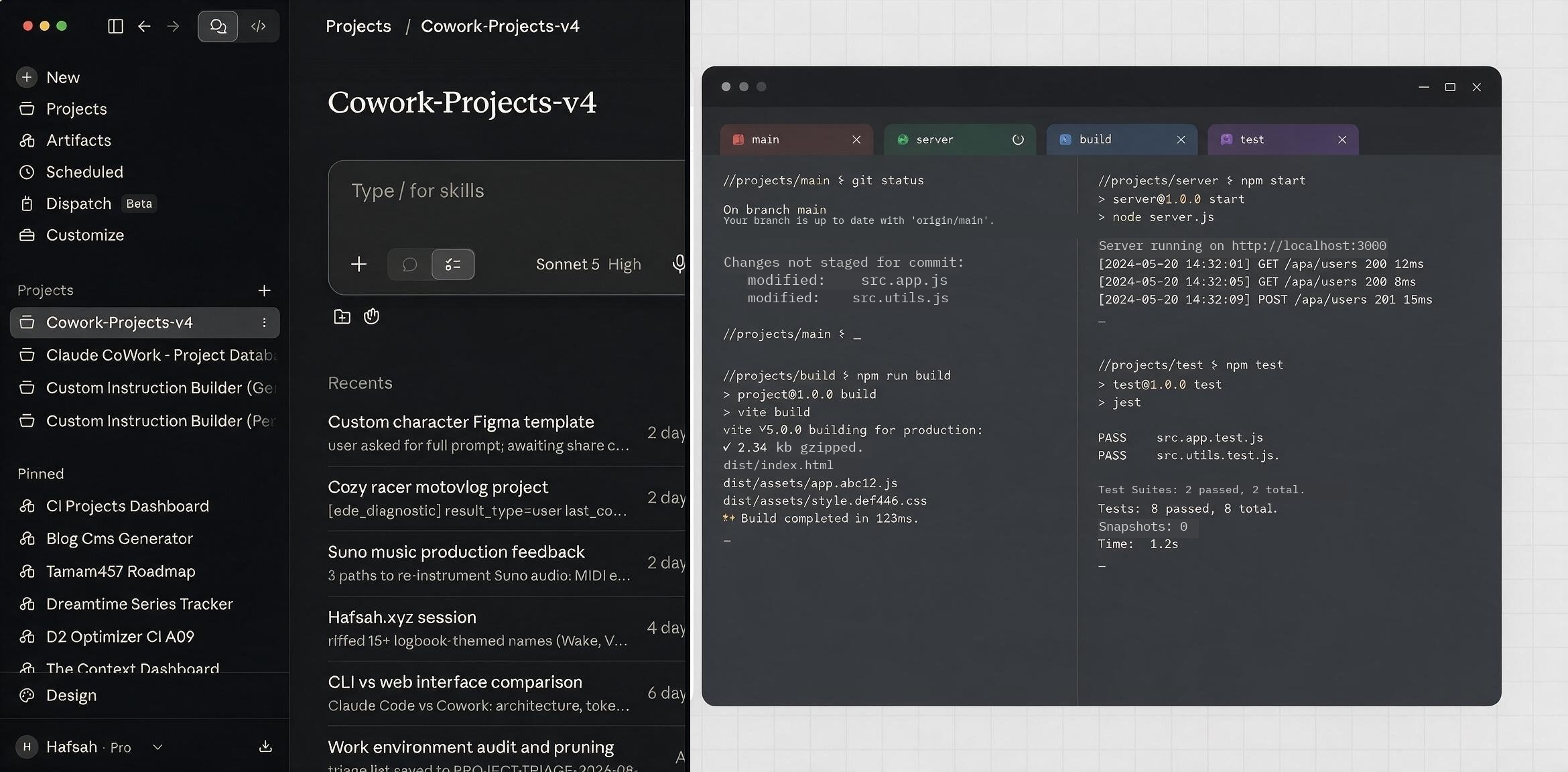
Maybe you also realized that you could 10x whatever your productivity flow was with multi-layered “agentic workflows” that involved new subscriptions to platforms like Perplexity, OpenCode, n8n, Cursor or Replit. Why be served one frontier agent when you could orchestrate multiple like a mad puppeteer, bending ghosts in the machine to your twisted whims one prompt at a time MWAHAHAA — wait what do you mean I’ve reached my usage limit and am using credits now fuck.
Point being: the terminal, despite appearances, is really not that scary. Fundamentally, all it asks from you is a small mental model shift. The terminal (if you’re on Mac, the native app is great, though I was recently introduced to iTerm2, which is even better) becomes the interface from which you orchestrate your work, instead of Anthropic or OpenAI’s proprietary app.
I would also argue that by performing your work with AI in the terminal, you are priming yourself for a strange sort of future where everyone is a kind of developer. I’ve thought about this quite a bit as vibe coding and vibe-whatever-else has become more en vogue. With all of its deep underlying ethical issues, LLM access has opened up a world where truly anyone, if they are so inclined, can build anything. I work alongside creative practitioners, marketers, scribes and content creators who have never coded anything in their lives, yet now are producing applications of varying levels of complexity using LLMs. Increasingly my day-to-day includes having a robot craft a (probably poorly written) commit description, and watch things compile. My very website is an AI-coded monstrosity, driven by my vision and pressure tests of what an AI is capable of creatively. And there’s still so much more to experiment with. I think that the future might look like a place where people of any skillset are able to build their own apps, tools, frameworks, etc.
In that scenario though, what happens to the subscription economy that many of us are swirling around in, our pockets emptying slowly month by month, year over year as prices incrementally rise? As an example, I’ve moved away from Framer because I can buy a domain, hook it up to Vercel and have my own vibe coded website hosted for well under $200/year. I could apply that same logic to anything. A vibe coded music app (pending access to API, licenses and whatnot). Or a totally custom streaming app that somehow integrates with the power of something like Plex. Bye bye YouTube/1000’s of streaming services. Or I could buy a Raspberry Pi and have an LLM help me turn an old iPad into my own GPS monitor or mini-computer. The limit is whatever the root says it is, but I don’t know what’s impossible without first asking it.
This has become a tangent into the economics of the newly minted “vibe developer” nation. But I think it’s worth keeping in the backs of our minds as we explore new ways of using LLMs, and in particular as we begin to adopt developer practices into our workflows. I like to look at it this way: what other things, beyond time savings or productivity gains, might be possible, if we take a moment to try asking an LLM what we might be able to build — not just in a chat, but through a terminal where…with the right settings…it is truly, perhaps irrevocably, free?