A simple notepad app for your Mac.
Slate is a small, fast notes app for my own desktop. Open it, write something, close it — no accounts, no sync prompts, no subscription nag banner asking if I'm "still there." Notes live as plain JSON files in ~/Documents/Slate, which means the data is mine, readable, and portable without me having to think about it.
The design brief I gave myself was basically: Numi, but for words instead of numbers. A frameless, rounded window. A quiet dark (or light) chrome. A toolbar that only shows up when I actually need it — headings, bullets, blockquotes, code, dividers — and otherwise gets out of the way of the page.
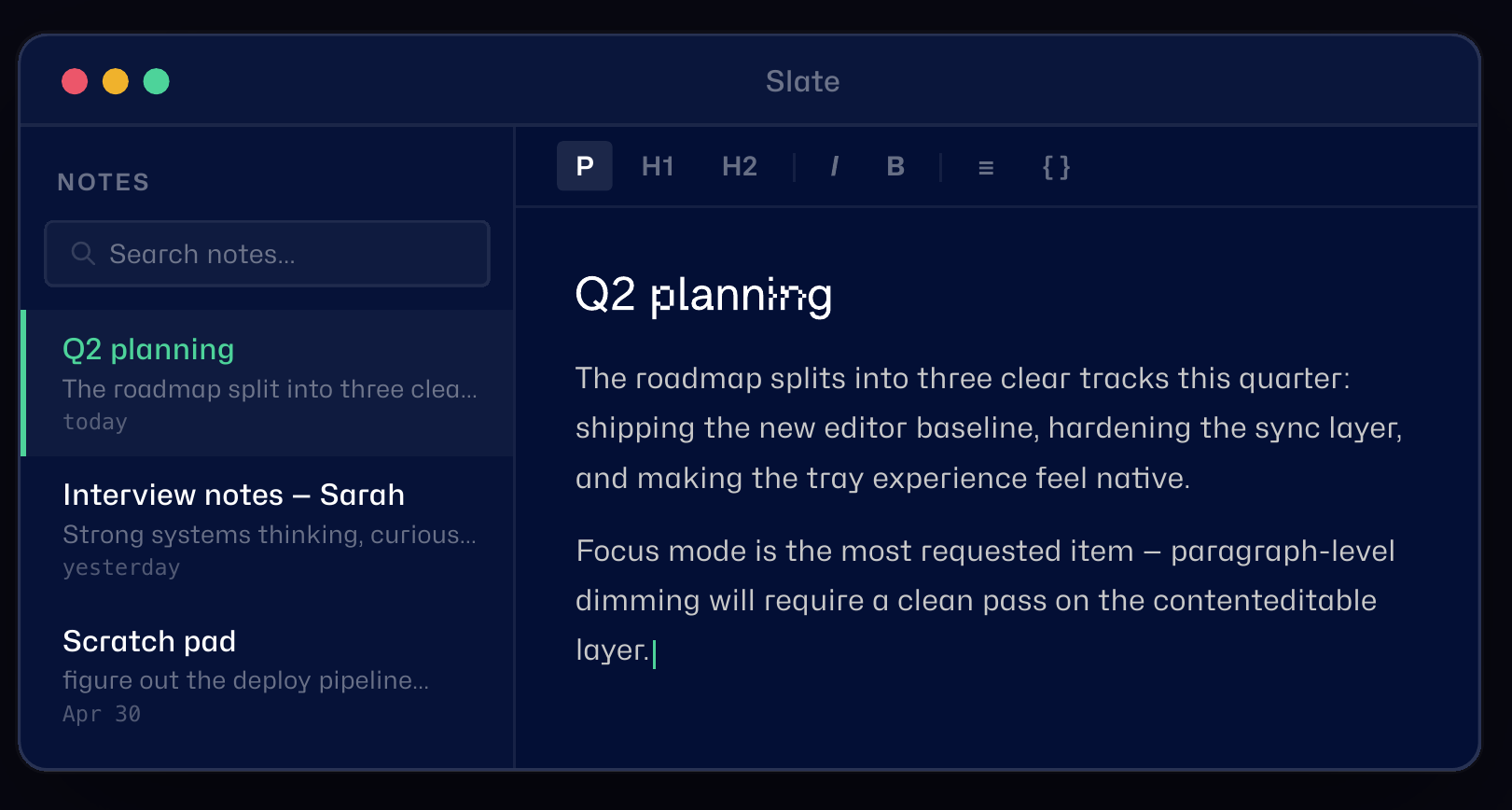
Rich text that covers the basics
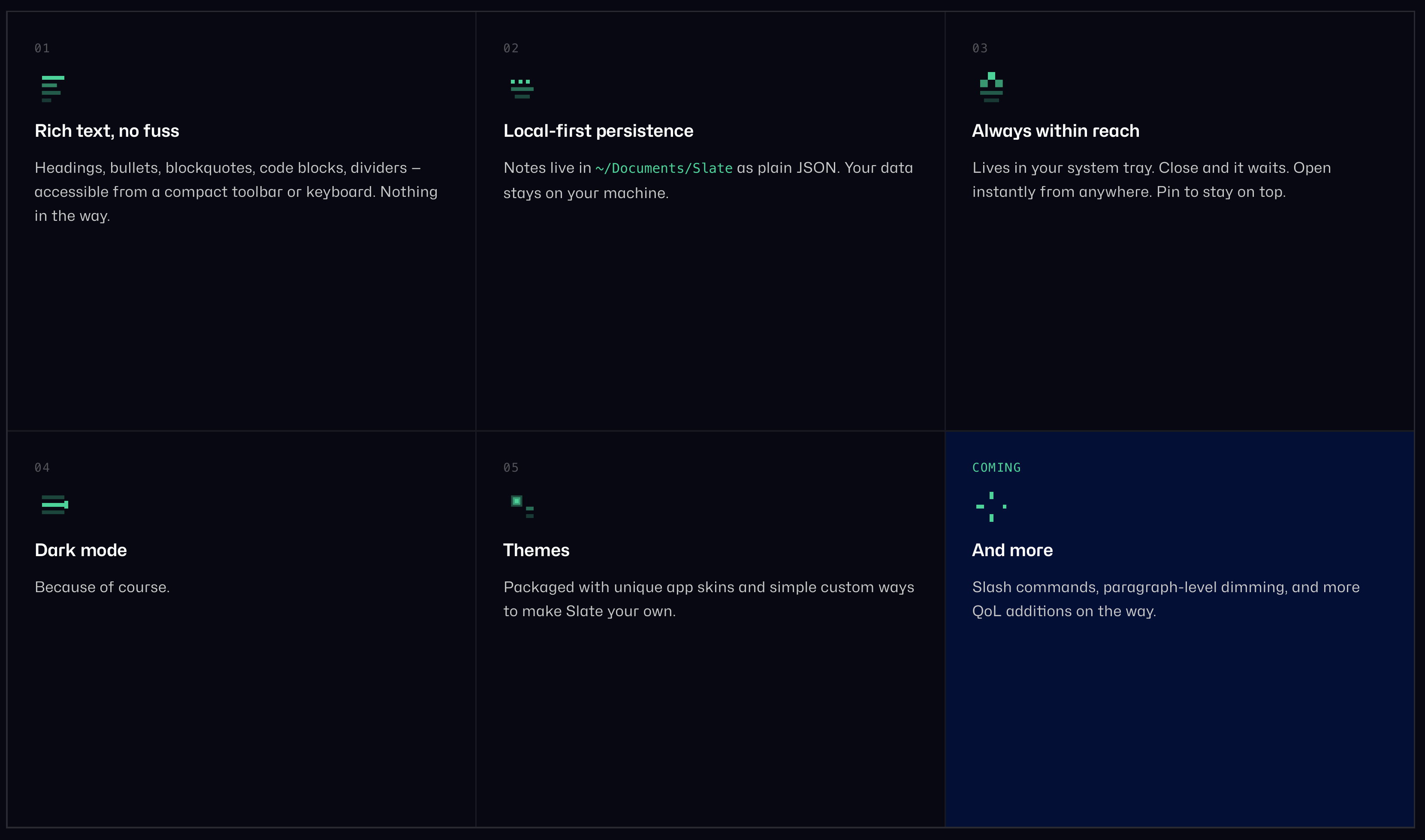
Rich text formatting (headings, bullets, numbered lists, blockquotes, code, dividers) from a compact toolbar or keyboard shortcuts
Your notes, your files
Local-first persistence — notes and trash both live as JSON on disk, no server, no account
Stays out of the way
Lives in the system tray; closes to tray instead of quitting, pin-to-top when I want it visible while referencing something else
Organization without ceremony
Manual folder organization with drag-and-drop, soft-delete trash with restore
Import and export
Markdown import/export
Themes you can shape
Dark and light themes, plus a theme builder for making my own skins
I kept reaching for Apple Notes and being mildly annoyed by it — not because it's bad, but because it's not mine. I wanted something I could shape exactly to how I actually take notes: quick capture, occasional structure, zero ceremony. And I wanted to see what it actually takes to get a native-feeling desktop app out of an AI-assisted build, end to end — not a web toy, an actual .app I install and use daily.
So: Tauri for the native shell (frameless window, system tray, always-on-top pin), SvelteKit for the UI. The whole thing is intentionally small. If I can't understand my own app's codebase at a glance, I've already lost the plot.
This one's a Claude + Codex build from the ground up — no existing app to migrate, no legacy CMS baggage, just a blank Tauri project and an increasingly specific vision of what "gets out of my way" actually means in practice. The build leaned hard on iteration: get a rough version working, use it for a few days, notice what's annoying, fix that specifically. The trash/restore flow, the tray behavior, the folder drag-and-drop — none of that was speced up front. It came from actually living in the app and hitting friction.
Next up: tightening selection-formatting reliability and some keyboard-power-user niceties, then eventually a Notion sync layer for the notes I want to graduate out of Slate.
Built with Claude + Codex · Tauri v2 · SvelteKit + TypeScript